
Tutorial Category: Unreal Build Tool
Works in Unreal Engine 5.0 to 5.8. Updated November 2026. Quick answer: you pressed Build in Visual Studio or Rider while the Unreal Editor is
Seen in Unreal Engine 5.8.4 (Launcher) with Fab plugin 0.0.22. Updated November 2026. Quick answer: a Fab plugin update added a new module (FabToolset) that
Applies to the Fab plugin in Unreal Engine 5, including 5.8.4. Updated November 2026. Quick answer: Windows blocked or couldn’t load the Fab plugin’s DLL
In this tutorial, we cover a debugging scenario where you will get the optimized variable message in the visual studio debugger when trying to watch
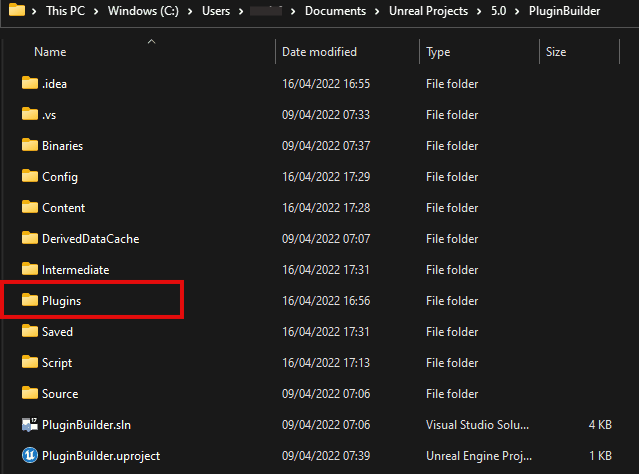
This is a guide for unreal engine plugin development which lays out brief but useful steps to take an unreal engine custom module and make
Works in Unreal Engine 5.0 to 5.8. Updated October 2026. Quick answer: Unreal found the plugin, but not the compiled module (the .dll) it needs
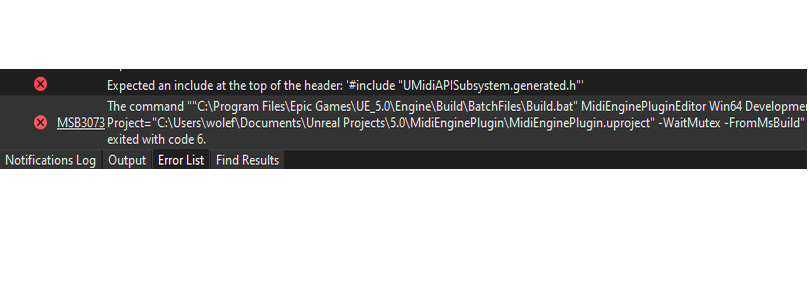
How to fix Unreal Engine Error: Expected an include at the top of the header: ‘#include “XXX.generated.h”. This is an error thrown by Unreal Build
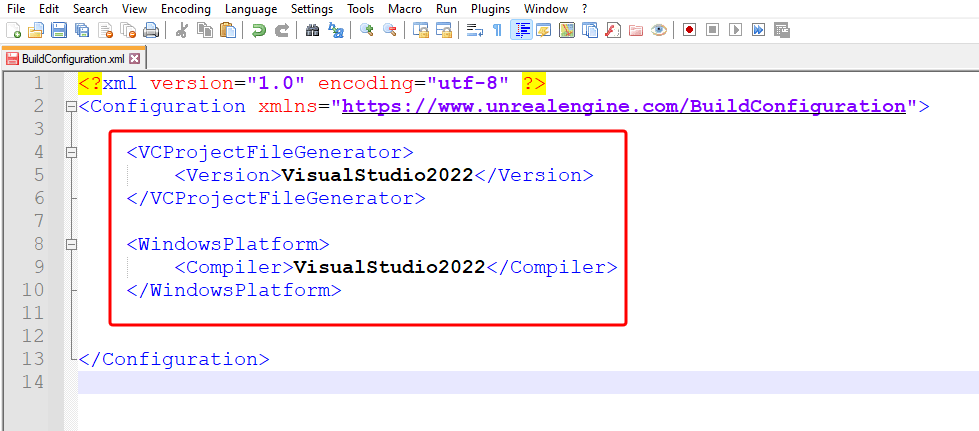
Works in Unreal Engine 5.0 to 5.8. Updated October 2026. Quick answer: Unreal Build Tool can’t find a C++ compiler it accepts. Having the Visual
You can package and distribute your unreal engine plugins as binary files only and not have to share your source files. There are a few

Here’s how to solve unreal engine unresolved external symbol error: LNK2001 error is thrown by Visual Studio Linker after the developer has attempted to inherit
Works in Unreal Engine 5.0 to 5.8. Updated October 2026. Quick answer: the plugin’s files are there, but Windows couldn’t load them. Usually a file
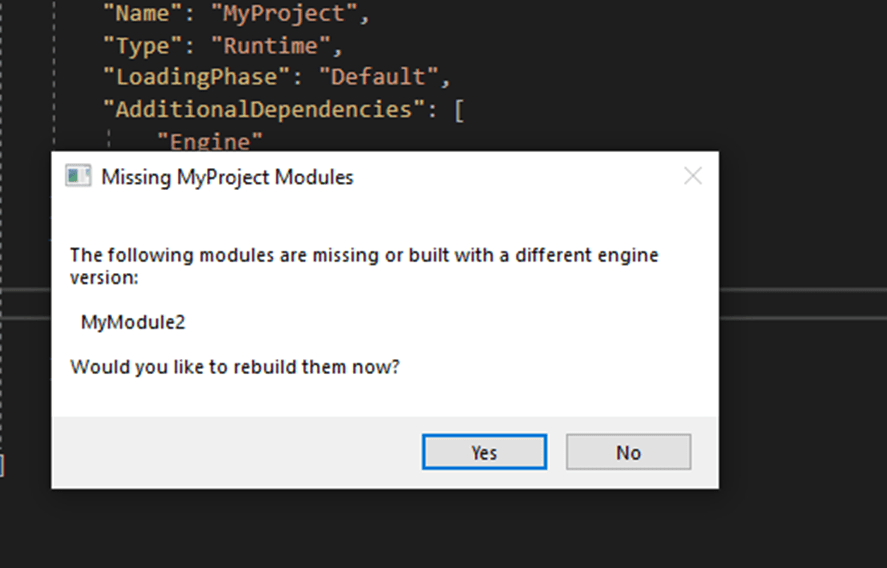
Works in Unreal Engine 5.0 to 5.8. Updated October 2026. Quick answer: the project (or one of its plugins) has C++ code that wasn’t built