
Tutorial Category: Plugin Development
Applies to the Fab plugin in Unreal Engine 5.7 and 5.8. Updated November 2026. Quick answer: In Unreal, open Edit > Plugins, search for Fab,
Applies to the Fab plugin in Unreal Engine 5, including 5.8.4. Updated November 2026. Quick answer: Windows blocked or couldn’t load the Fab plugin’s DLL
This tutorial covers extending your unreal engine custom asset right-click menu and adding the reimport button to that menu. It is a continuation of the
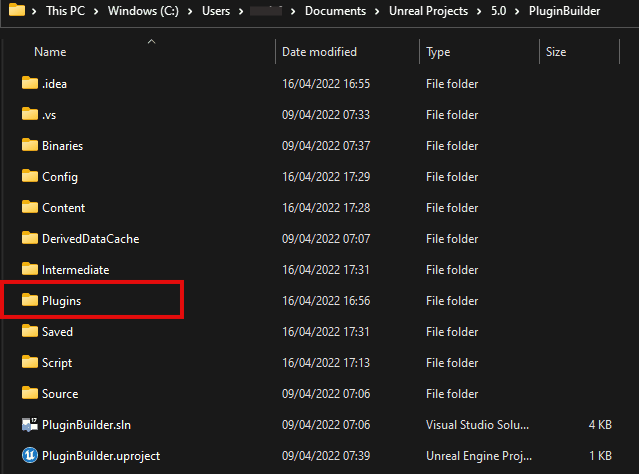
This is a guide for unreal engine plugin development which lays out brief but useful steps to take an unreal engine custom module and make
Works in Unreal Engine 5.0 to 5.8. Updated October 2026. Quick answer: Unreal found the plugin, but not the compiled module (the .dll) it needs
This tutorial will cover creating a custom asset that will appear and be used in the unreal engine editor. There are two scenarios in which
This tutorial will cover setting custom thumbnails for your unreal engine custom asset type, asset colors, display names, and more. We assume you have created
Here’s how to rename a plugin, a module or move content and classes between two plugins without breaking your blueprints in unreal engine.I usually write
If you have the source files of an Unreal Engine plugin and you would like to try to rebuild the plugin for a newer or
In this tutorial, we will cover adding reimport functionality to overwrite existing custom assets in unreal engine. We assume that at this point you have
You can package and distribute your unreal engine plugins as binary files only and not have to share your source files. There are a few
Works in Unreal Engine 5.0 to 5.8. Updated October 2026. Quick answer: the plugin’s files are there, but Windows couldn’t load them. Usually a file