
Tutorial Category: Unreal Engine
This guide delves into Widget Components in Unreal Engine, crucial for integrating UI elements within the 3D game world. Usually Widgets are added to the
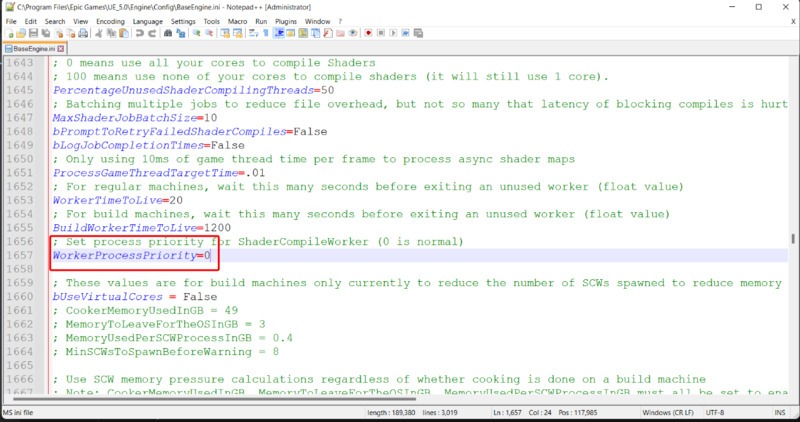
If your computer is taking too long compiling shaders, try these tweaks that assign more CPU power to compilation. Unreal Engine by default sets shader
Understanding the dot product and its use cases can be crucial to creating high-quality experiences in Unreal Engine. The dot product is a mathematical operation
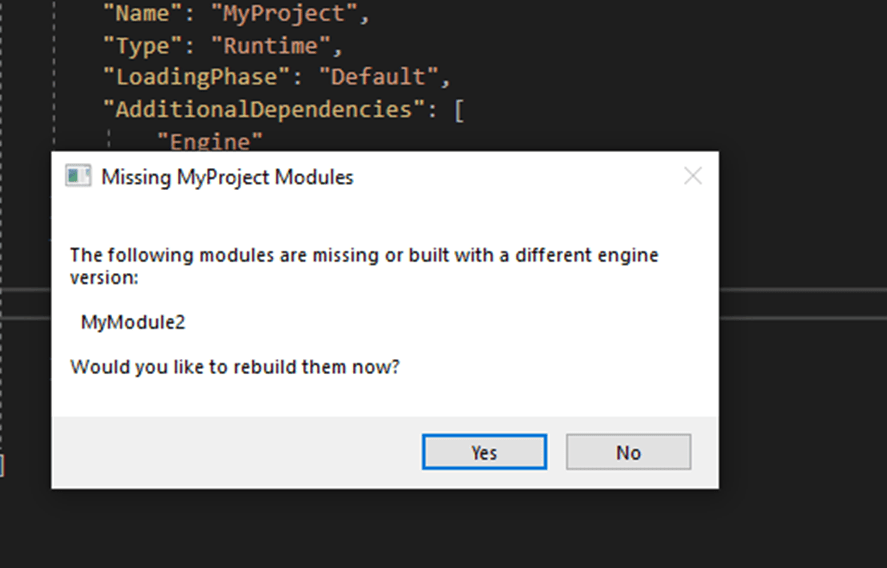
A full step by step tutorial to help you solve and understand the error: “The following modules are missing…” , thrown by unreal engine when
This tutorial shows blender users how to access the timeline, the dopesheet, the NLA, the Graph Editor, the Action Editor and VSE in Unreal Engine.
TMap, or “Map” for short, is a powerful data structure available in Unreal Engine 5 (UE5). It’s an essential tool in a developer’s arsenal, enabling
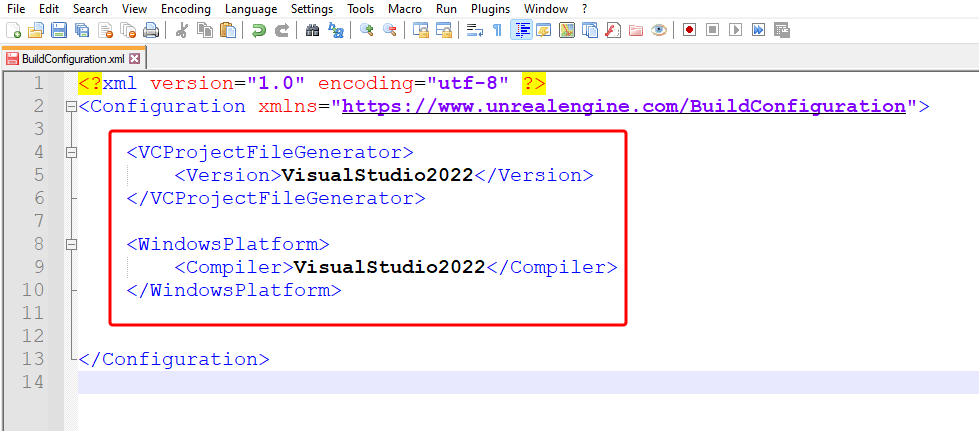
In this tutorial we discuss how to fix the visual studio XXXX must be installed error, why it occurs, and in which situations you are
If you’re an ardent user of the Unreal Engine 5 (UE5), you’re probably aware of the plethora of plugins available to elevate your game development
What this tutorial covers Why Unreal Engine throws this error The underlying restriction in UPROPERTY and reflection Correct ways to use TArray inside TMap Working
In this tutorial, we will cover adding reimport functionality to overwrite existing custom assets in unreal engine. We assume that at this point you have
Unreal Engine’s Stall Detector As The Core Issue When integrating external GUI systems (such as VST plugin editors) into Unreal Engine, you may observe: Visual
Subsystems Are Exposed To Blueprints By Default Our goal in this tutorial is to disable this default setting. To hide a subsystem in unreal engine