
Tutorial Category: Unreal Engine
This tutorial covers the following scenarios where Unreal Engine Fails To Launch Visual Studio: Unreal Engine Does not open Visual Studio when double clicking C++
If you’re getting this error then either you or someone has called UObject::Rename(Name,Outer) with an existing name. Unreal engine will break and crash if you
To create custom sequencer tracks in UE5 you need to create a custom UMovieSceneTrack and UMovieSceneSection. To make sure our custom tracks and sections show
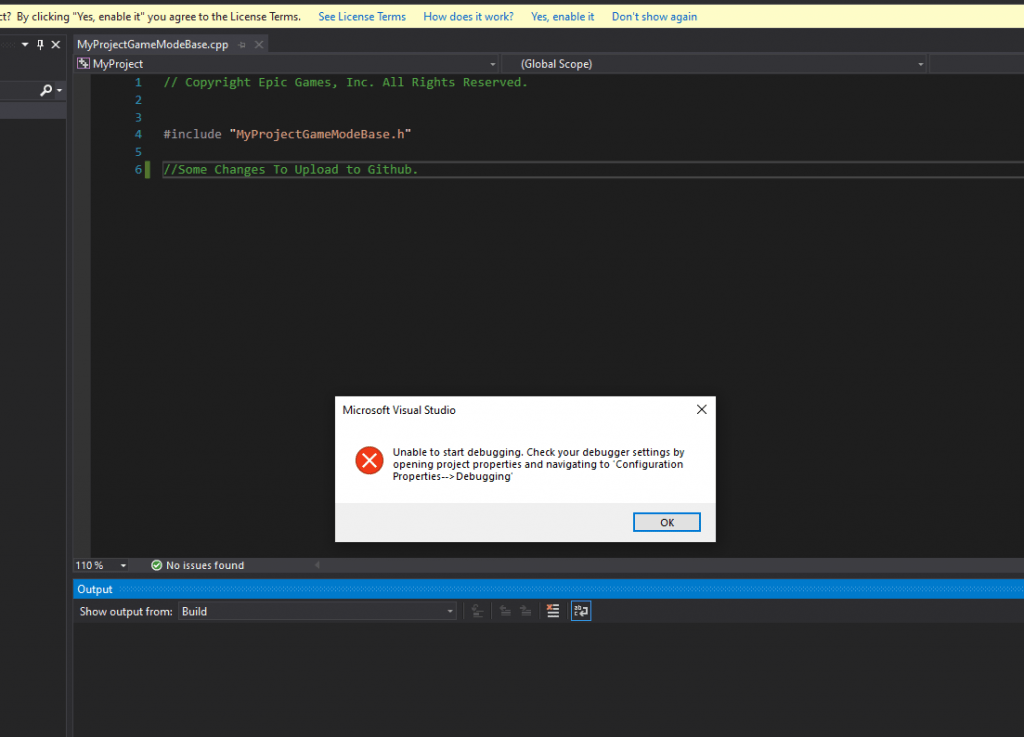
Solution Inside Visual Studio, right click “Your Project” Solution and select “Set as startup project”
Our goal in this tutorial is to make a C++ Delegate (Event Dispatcher) that other developers can use and see in Blueprints. Designers/Developers should be
The MidiEngine 3 Plugin for Unreal Engine 5 includes templates for developing note highway rhythm games like Guitar Hero, Fortnite Festival, and similar titles. In
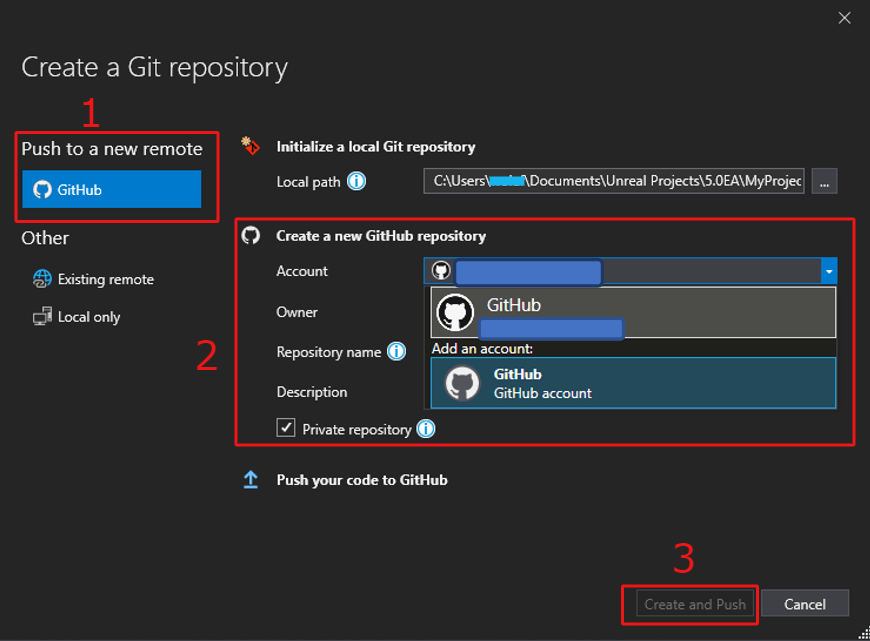
How to upload unreal project to github and the unreal engine gitignore. We will be uploading unreal engine projects to GitHub using visual studio community
Overview of The MidiEngine 3 API MidiEngine emphasizes an object-oriented structure using Unreal Engine’s UObject system. This design enhances the accessibility and manipulability of MIDI
The world of Unreal Engine 5 (UE5) is expansive and diverse, filled with various tools and components that make the development process intuitive and efficient.
To import MIDI Files in Unreal Engine 5, you can use the MIDI Engine Plugin. Unreal Engine 5 doesn’t yet feature a native way to
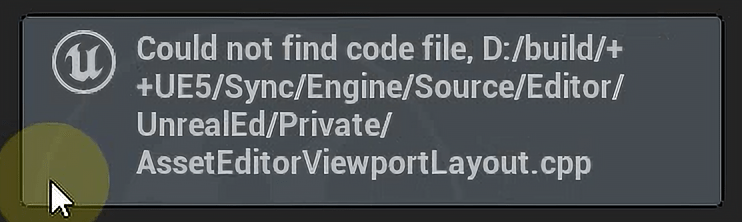
Unreal Engine Could Not Find Code File when attempting to navigate to the c++ source file. To solve this error you DO NOT need to
What this tutorial covers How to leverage the new Metasounds Node Configuration in UE 5.7 to create serialized/persistant metasound node data. This article assumes you