
VST Audio
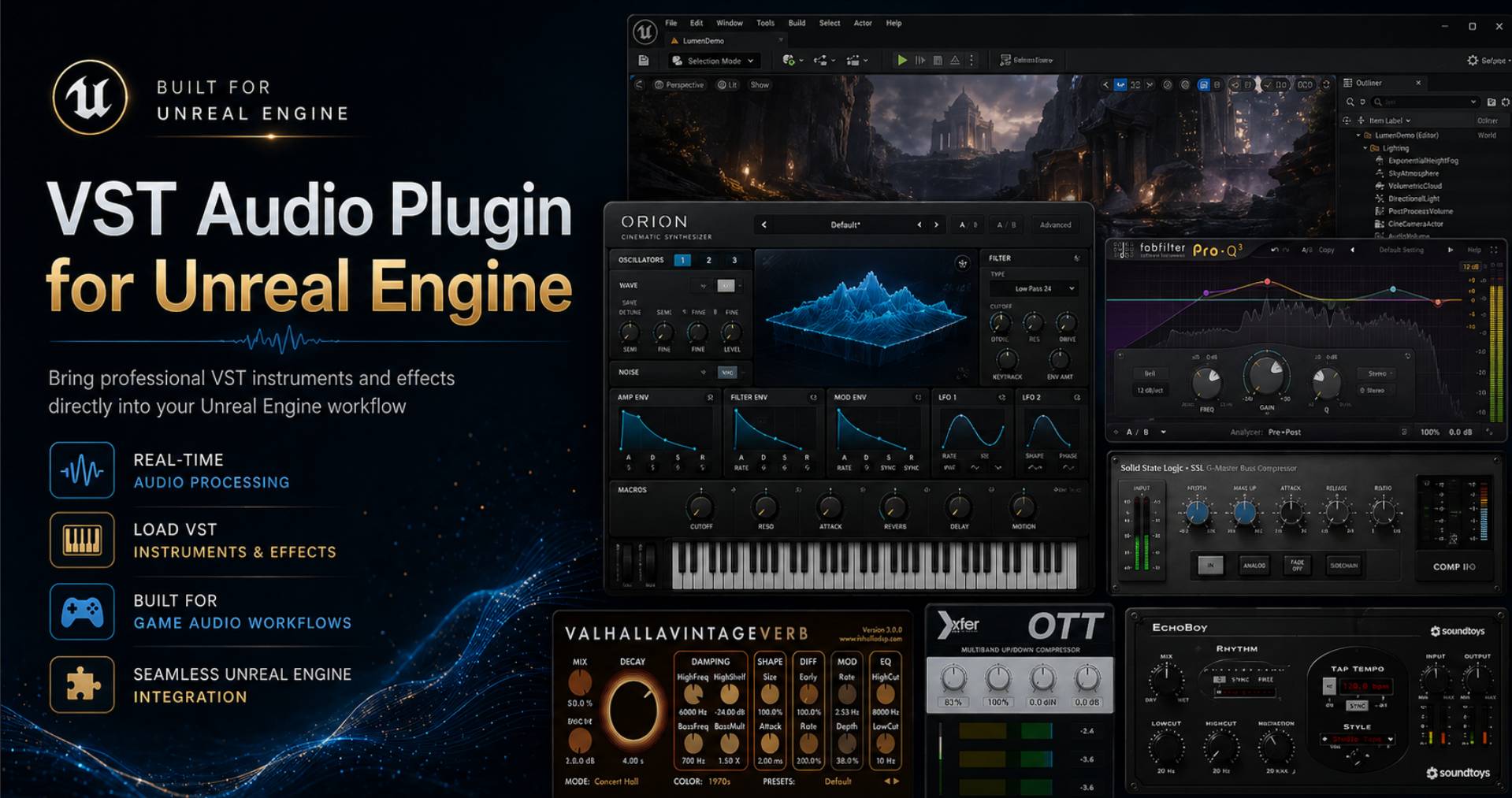
Vst Audio is a plugin for Unreal Engine 5 that imports, loads and runs Steinberg VST3 audio plugins in C++, Blueprints and Metasounds.
Latest Version: V1.1
Supported Engine Versions: UE 5.7 , 5.8
Buy VST Audio
Featured In The Following Bundles:
It provides a real-time VST3 host integrated into the engine, making VST processing available in:
C++
Blueprints
MetaSounds
The Unreal Editor
Packaged / shipped builds
This enables Unreal Engine projects to use the same professional audio processing tools found in Digital Audio Workstations (DAWs), but fully embedded in interactive applications, games, simulations, and virtual production workflows.
In short: Unreal Engine becomes a VST3 host.
Vst Audio Video Demos
1:05
1:09
1:54
What This Plugin Does
VST Audio embeds a complete VST3 hosting layer inside Unreal Engine, allowing the engine to:
Discover VST3 plugins
Load and instantiate them at runtime
Process audio through them in real time
Control parameters programmatically
Integrate processing into Unreal’s audio pipeline
This allows Unreal Engine to function similarly to a DAW in terms of plugin hosting, but with full access to gameplay systems, procedural audio, and runtime interaction.
Why Use VST Plugins in Unreal Engine?
VST plugins are the industry standard for audio processing and synthesis. They provide:
Professional audio effects (EQ, compression, reverb, etc.)
Virtual instruments and synthesizers
Spatial audio processors
Mastering tools
Real-time sound design systems
By hosting VST plugins directly in Unreal, you can use existing audio production tools inside real-time interactive environments without rewriting DSP code.
Key Features
Native VST3 Hosting
- Loads standard Steinberg VST3 plugins
Runtime instantiation and management
Full audio processing support
Engine Integration
Works in Unreal Editor and packaged builds
Accessible from C++, Blueprints, and MetaSounds
Compatible with Unreal’s audio rendering pipeline
Real-Time Parameter Control
Automate plugin parameters from gameplay systems
Drive audio processing using game logic or user input
Blueprint-accessible parameter control
MetaSound Integration
Route audio through VST plugins inside MetaSound graphs
Combine procedural audio with external DSP processing
Extend MetaSounds with professional audio effects and instruments
Runtime Plugin Loading
Dynamically load plugins while the application runs
Configure processing chains programmatically
Support interactive audio systems
Use Cases
Game Audio Processing
Apply professional effects directly to in-game audio:
Dynamic reverb environments
Real-time mastering
Character voice processing
Adaptive music effects
Sound Design Directly In The Editor
Do your sound design directly in the editor without hopping between DAWs to edit VST parameters.
Virtual Instruments in Real Time
Trigger VST synthesizers or samplers from gameplay systems or user interaction.
Virtual Production & XR
Use studio-grade audio processing in:
Virtual sets
Live simulation environments
Interactive installations
Procedural Audio Systems
Combine Unreal’s procedural audio generation with advanced DSP from VST plugins.
Audio Tools & Applications
Build audio software inside Unreal Engine:
Interactive audio workstations
Real-time performance systems
Audio visualization tools